Desktop media controls
Taskbar actions, tray controls, notifications, resume behavior, and automatic handling for the "Continue watching?" prompt.
 YouTube Music Desktop
Astear17 / ytmdesktop /loading
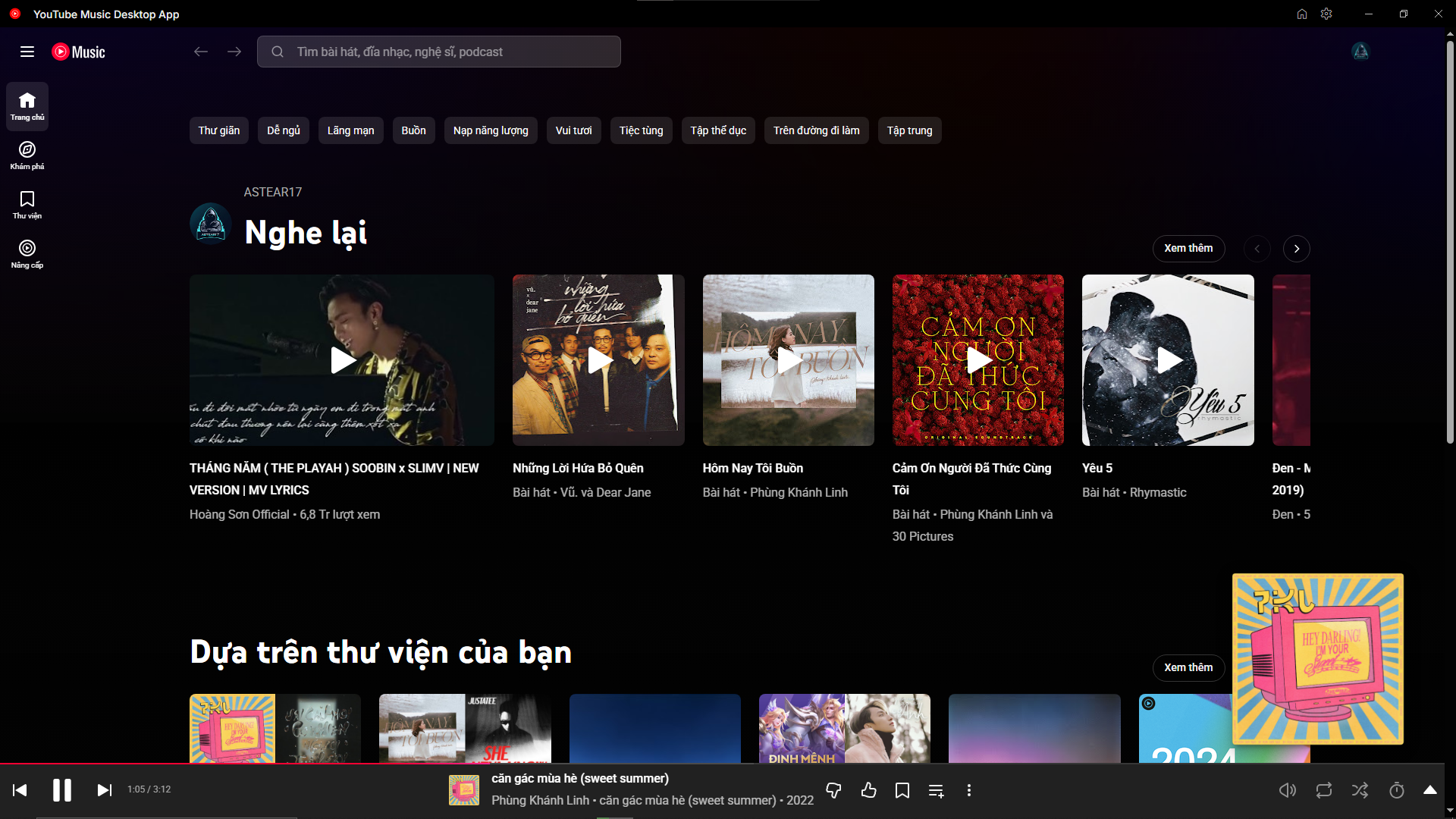
An optimized fork of YTMDesktop, modified by Astear17 with tons of useful features, optimizes and utilities.
Downloads
Use the Releases page for stable packages, or use workflow artifacts when you need a fresh build before a tagged release.
App features
Feature set collected from the public release notes for v2.0.26 through v3.1.0.
Taskbar actions, tray controls, notifications, resume behavior, and automatic handling for the "Continue watching?" prompt.
Ghostery-powered filtering, adblock toggle support, multiple filter choices, and privacy-focused defaults.
Skips non-music segments such as intros and outros when community data is available for the current track.
Automatically responds to YouTube Music idle prompts so playback can keep running without manual confirmation.
Equalizer can be enabled or disabled, reset to flat, and kept flat while disabled without deleting saved band values.
Normalization and crossfade use WebAudio processing for more stable playback behavior.
Lyrics translation is enabled by default and is designed for real-time synced lyric pages where translation can be injected.
Discord Rich Presence metadata and Last.fm scrobbling hooks keep listening activity connected to external services.
Custom CSS support, Home navigation persistence, Vietnamese localization, and a real YouTube Music app icon.
Built-in cache controls clean local data when the desktop shell starts feeling stale or heavy.
Electron DevTools, manual GitHub Actions builds, local installer generation, and release artifacts across desktop platforms.
Uses the Windows frame instead of the older built-in frame for a cleaner desktop shell on Windows builds. Frameworks reworked for less resources
Project identity
This repository is Astear17's fork of the original YouTube Music Desktop App project. The original work lives at ytmdesktop/ytmdesktop.
Build locally
Install dependencies, run the app, then build an installer for your operating system and CPU architecture.
If you want to build the installer on your OS, continue doing this command.
For explicit platform builds, use one of these commands.